Getting Started with Meshtastic: A Complete Beginner's Guide
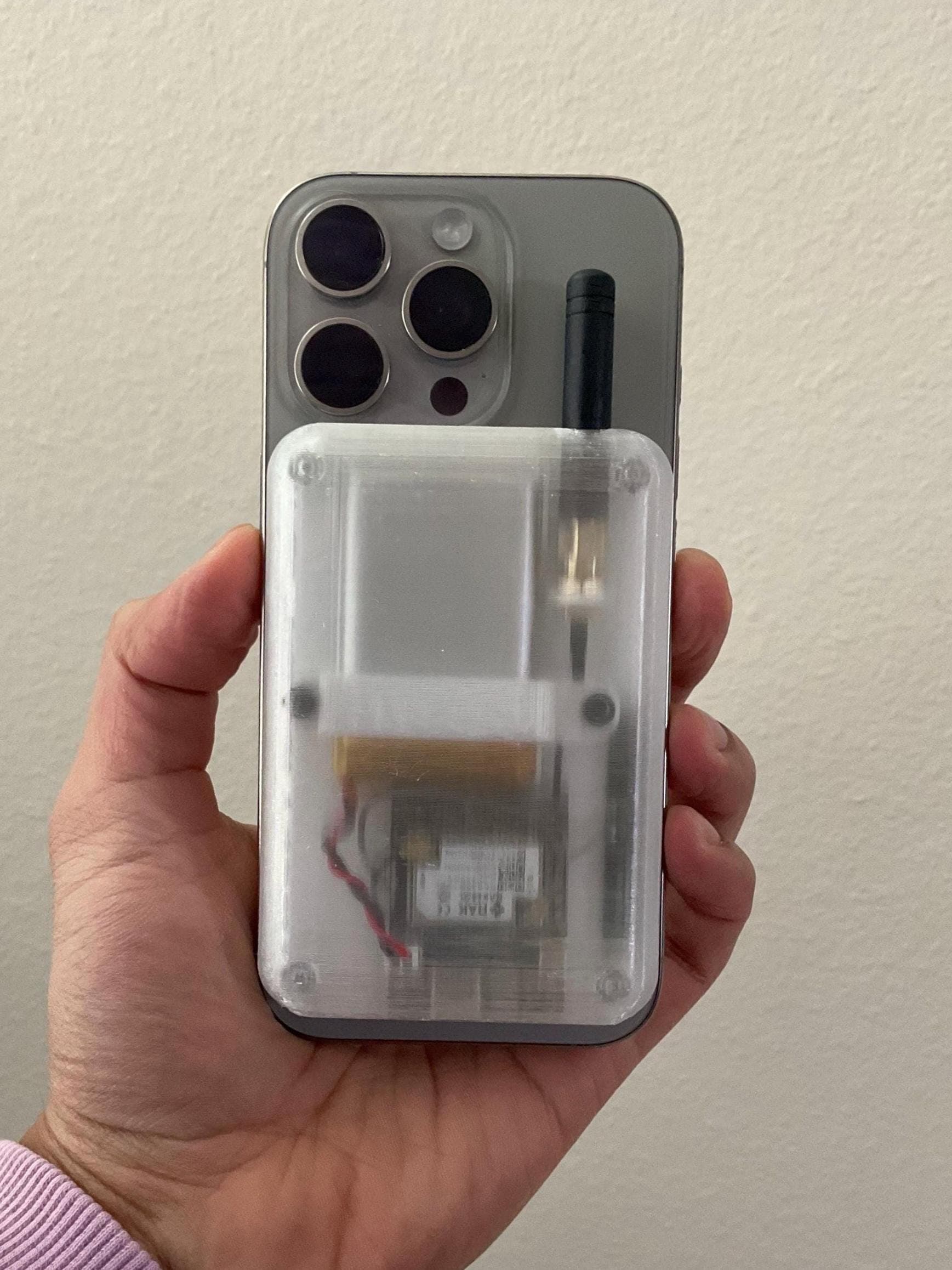
Welcome to the world of off-grid communication! If you've just received your OffGrid device, this guide will help you get started with Meshtastic firmware and begin communicating without cellular service.
What is Meshtastic?
Meshtastic is an open-source project that creates a long-range, low-power mesh network. Using LoRa (Long Range) radio technology, devices can communicate over several kilometers without any existing infrastructure.
Step 1: Download the App
First, download the Meshtastic app for your phone:
- iOS: Available on the App Store
- Android: Available on Google Play
Step 2: Pair Your Device
Your OffGrid device comes pre-flashed with Meshtastic firmware. Simply:
- Enable Bluetooth on your phone
- Open the Meshtastic app
- Tap '+' to add a new device
- Select your OffGrid device from the list
Step 3: Configure Your Settings
Once paired, you can customize your device settings including your name, region settings, and channel configuration.
You're Ready!
That's it! You're now part of the mesh network. Any other Meshtastic users within range will be able to communicate with you—no cell towers required.
Ready to Go Off-Grid?
Get your own MagSafe-compatible mesh device and join the community.
Shop on Etsy